Utilities · Android
WifiAnalyzer
Nakshatra AI LLC
See which channel is crowded before you sit down
- No account
- Channel graphs
- A survey you can export
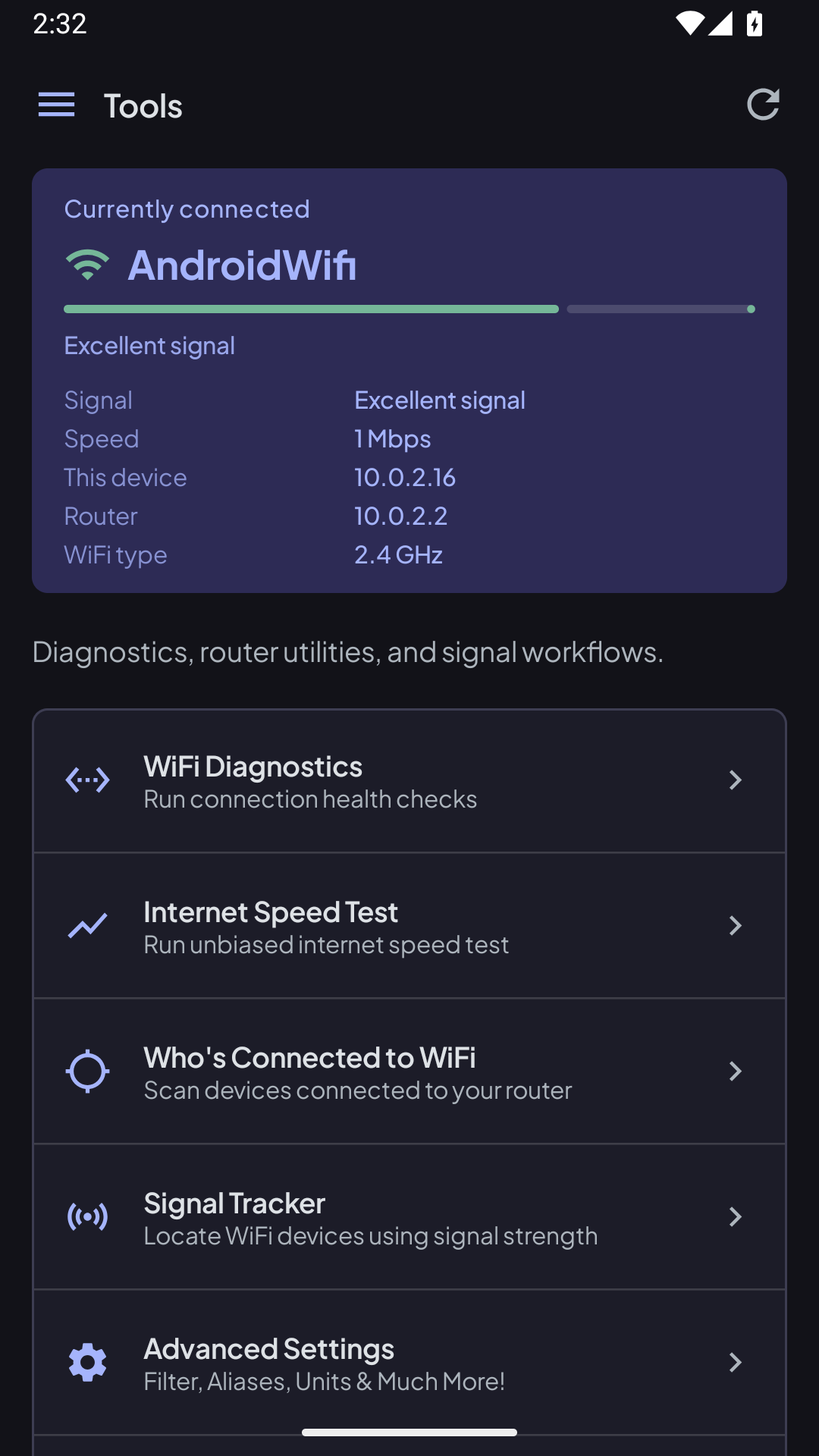
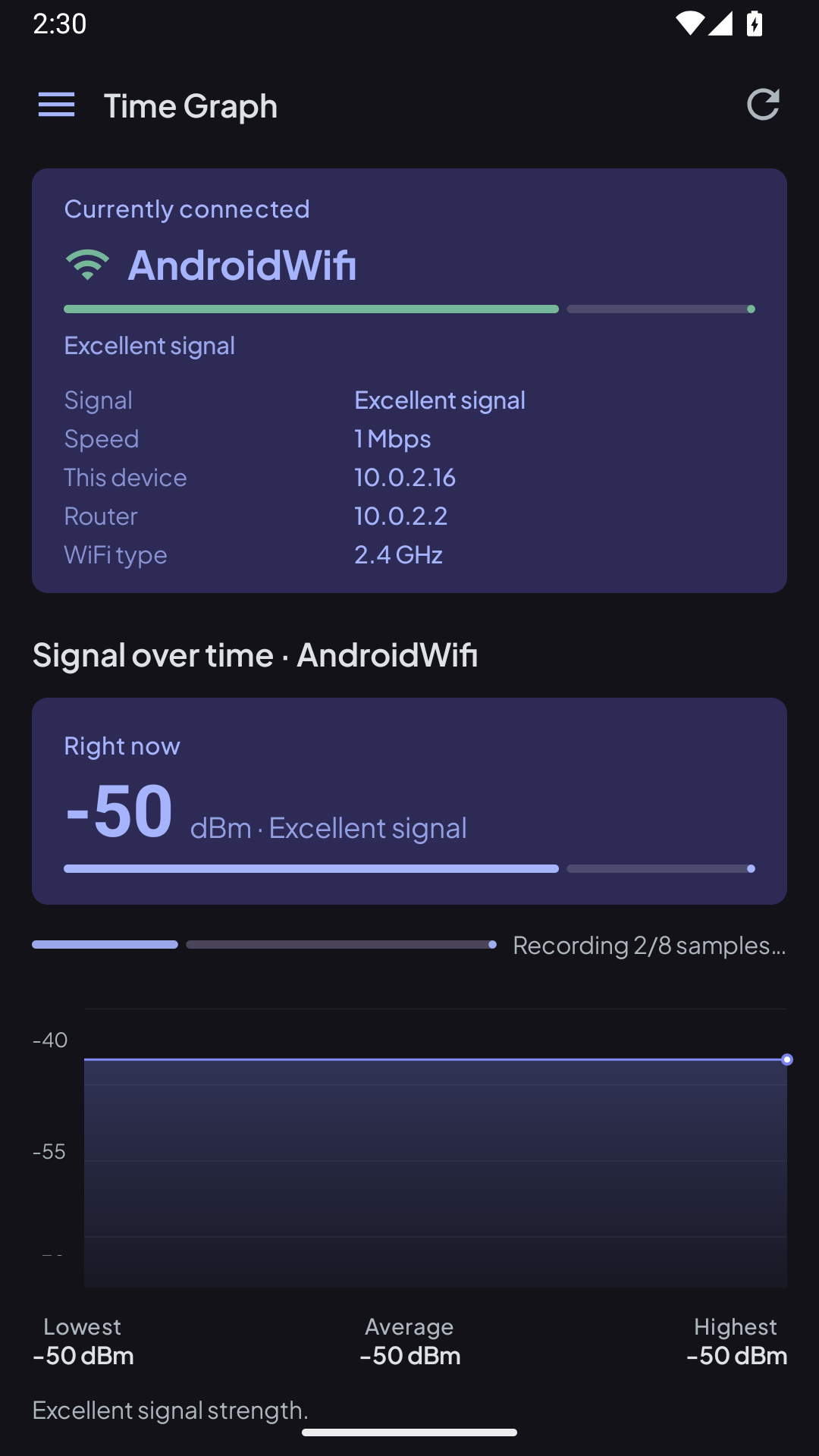
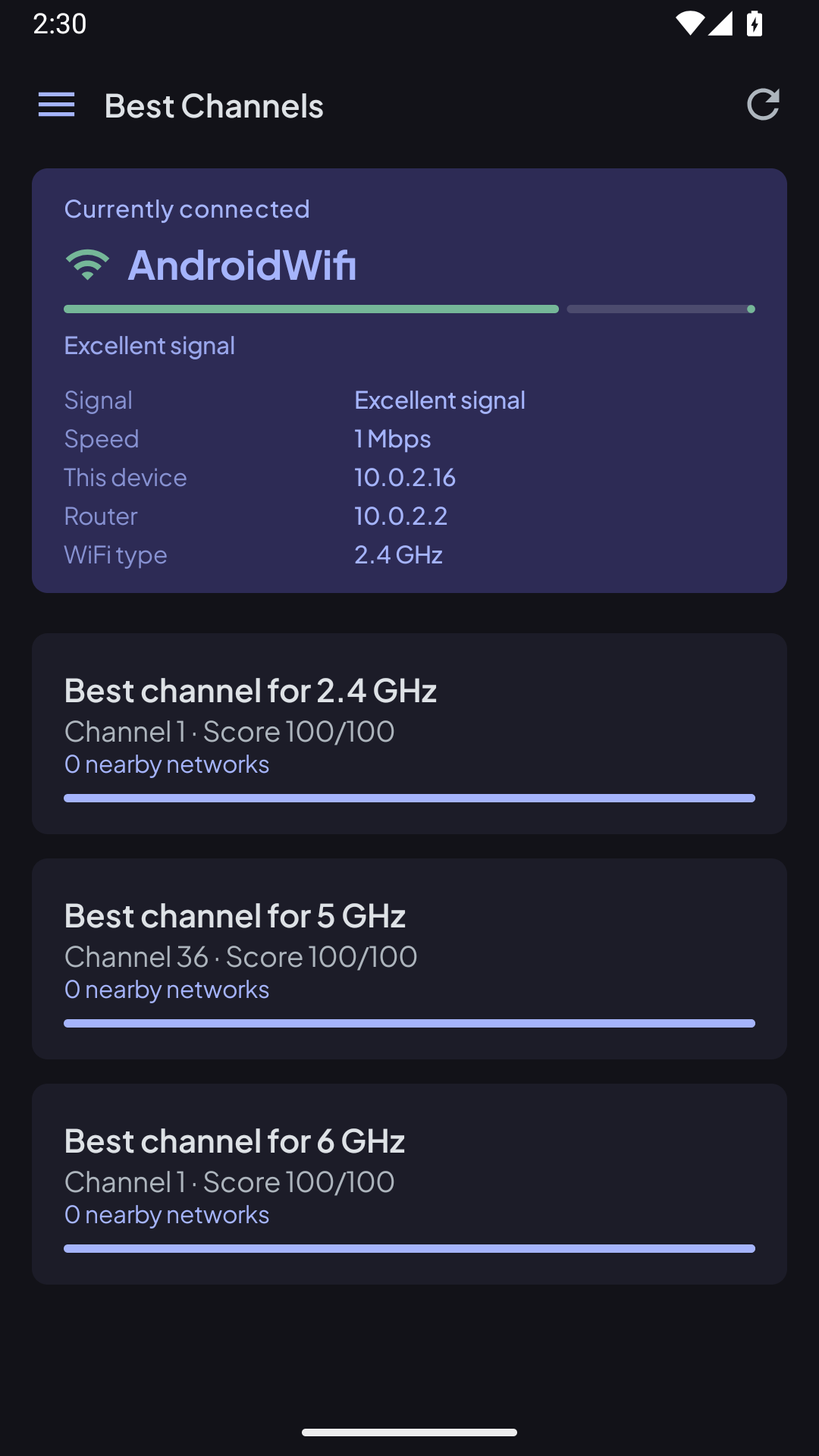
Swipe or use the arrows. Each shot stays full height.
About this app
WifiAnalyzer shows the networks around you and how hard they are stepping on each other. Open it in a cafe, a new apartment, or the room where the video call keeps freezing.
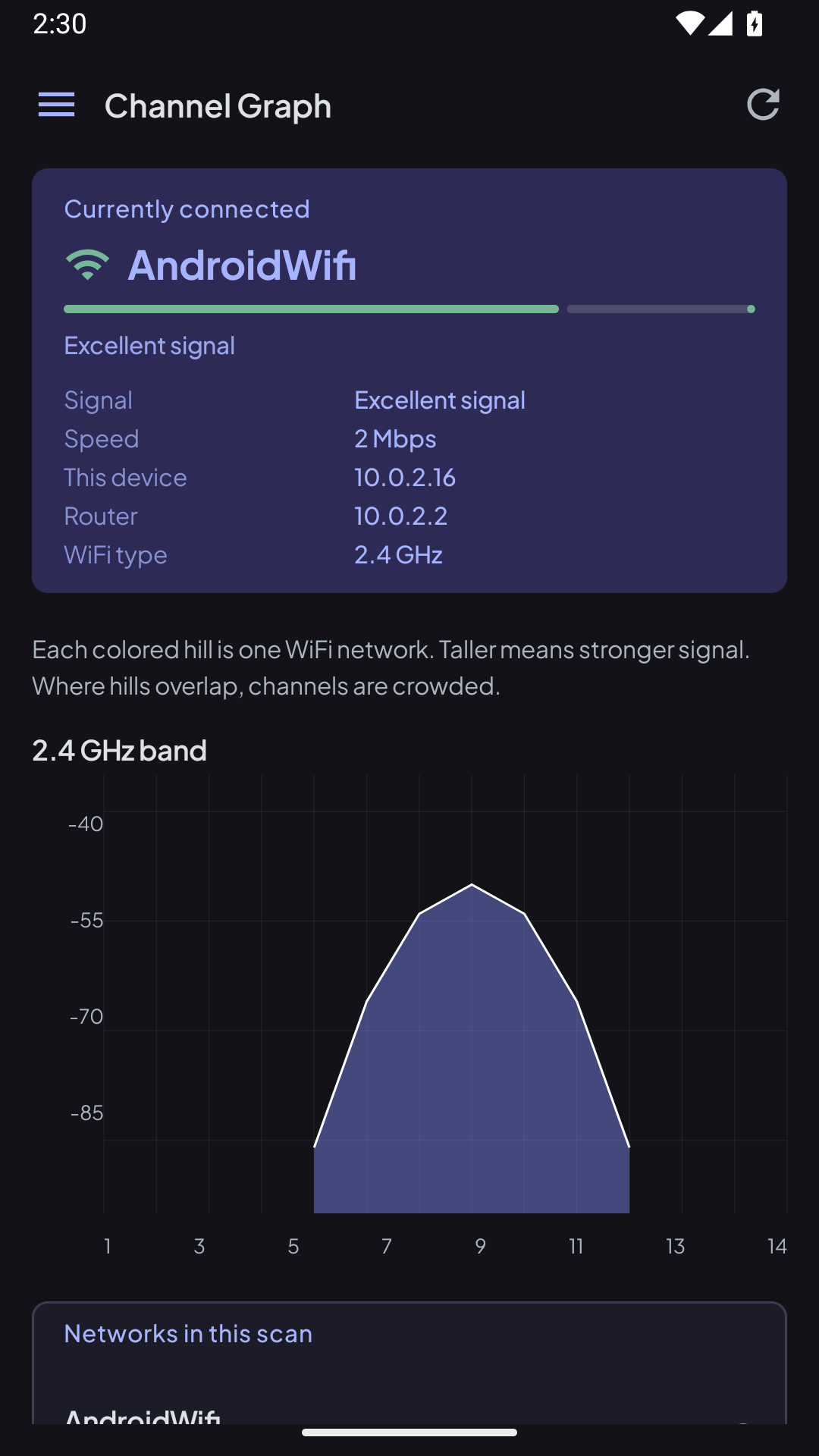
The channel graph covers 2.4, 5, and 6 GHz. Taller hills are stronger signals. Where they overlap, that channel is crowded, and the app can point at a clearer one on the band you are using.
There is no account. Diagnostics check the connection, the router, DNS, and whether the network can actually reach the internet. Walk the place with a signal survey and export the report when you are done.
Why you will keep it
-
Every network in the room
A live list with signal strength, channel, security, and the network you are on right now.
-
A picture of the crowding
Graphs for 2.4, 5, and 6 GHz so you can see overlap instead of guessing.
-
A clearer channel
Asks for the best channel on the band you care about, scored so a quieter channel is obvious.
-
Is this Wi-Fi actually up?
A short check of the link, the gateway, DNS, and outbound internet. The speed test tells you what the connection can carry.
-
Walk it, then export it
Drop survey points as you move through a home or office and export the access-point report. No account required.
Permissions
These are the permissions this app uses, and why each one is there.
-
Location
Android requires location permission before an app can list nearby Wi-Fi names. Fine and coarse location are requested for that scan.
-
Nearby Wi-Fi devices
Used to scan Wi-Fi. The permission is declared never-for-location, so the scan is not a location fix.
-
Wi-Fi access
Read the current connection, and change Wi-Fi state only when you ask the app to join an open network.
-
Internet and network state
The speed test and the internet check need a connection. The nearby-network list does not upload a profile of your home.
Privacy
Read how WifiAnalyzer handles data. This link is the same privacy policy already published for the app.